


Mobile Navman Dash Cam Installation
We Come To You | Professional & Tidy | Warranty
As Featured In





Specialist Navman Dash Cam Installers
Hardwire Installation Service
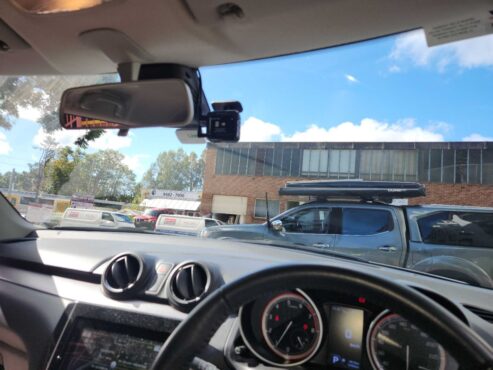
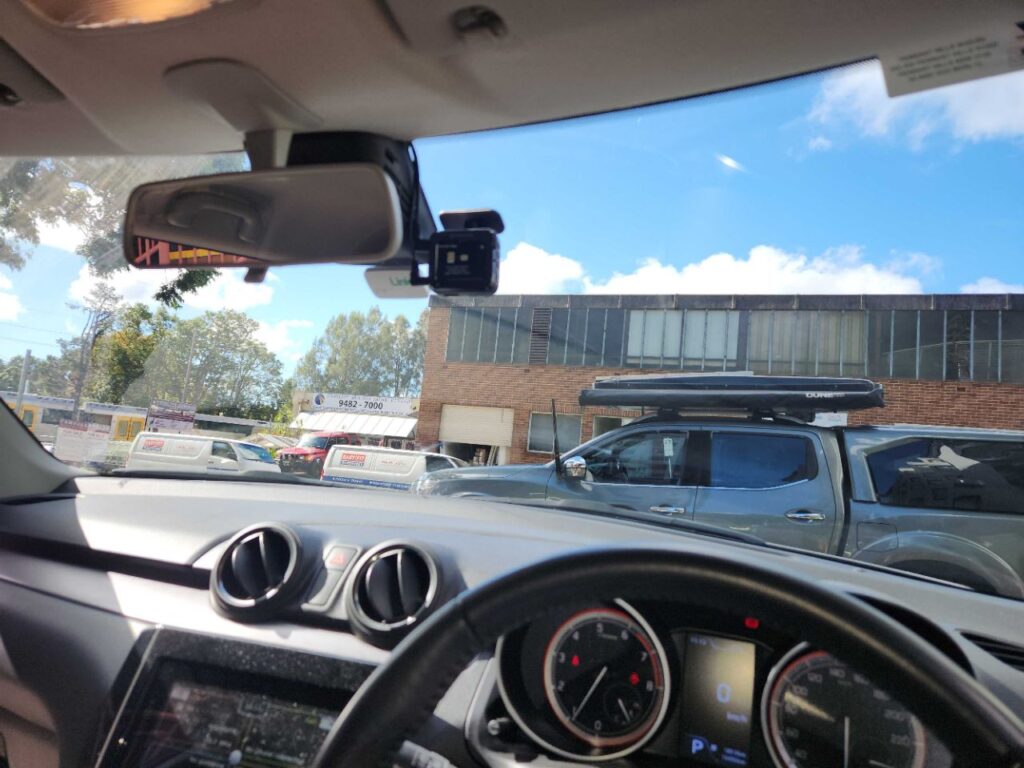
Buckle up for a safer ride with Navman dash cams, the go-to gear for Aussie drivers craving crystal-clear footage and peace of mind on the open road! These sleek devices, like the MiVue True 4K, MiVue True 4K DC, MiVue True 4K PRO Surround, are skyrocketing in popularity thanks to their razor-sharp 4K video, intelligent parking mode, and driver alerts that keep you one step ahead. Our mobile Navman dash cam installation service rolls right to your doorstep, delivering expert setup with a flair for precision. Picture this: our skilled techs swoop in, mount your camera with finesse, hide those pesky cables, and ensure your Navman’s ready to capture every twist and turn—hassle-free, road-ready, and tailored to your ride!


The Booking Process
Your Navman Dashcam fitted securely to your car in just 3 steps.
Book In Minutes
Call our friendly team to book your installation. To start off, just provide details on the date and location so we can make it happen.

We Come & Install Your Navman
Once our professional Navman dashcam installer arrives fully equipped. Simply provide us with your unit and hardwiring kit on the day.

Drive Away, Protected
Enjoy your hardwired installation with wires tucked and hidden. Park and drive, knowing that your car has an extra set of eyes keeping watch all the time.
Popular Navman Models Installed

Navman MiVue Surround
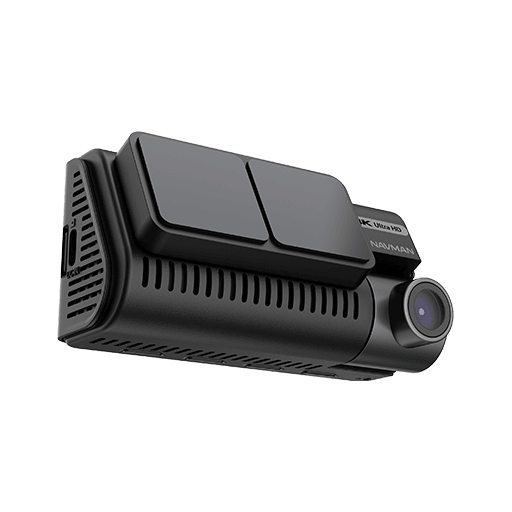
Navman MiVue True 4K
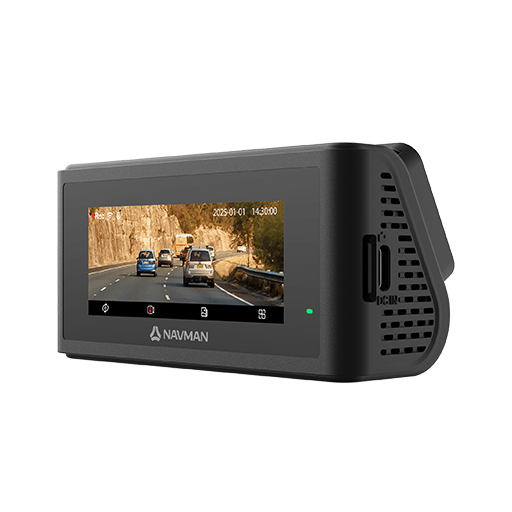
Navman MiVue True 4K DC
Common Navman Dashcam Accessories Installed

Cellink NEO External Battery
Power Up Your Navman Dash Cam with the Cellink NEO
Tired of your dash cam cutting out during parking mode and in need of extended record time? The Cellink NEO external battery pack is a lifesaver for Navman dash cam owners. This clever device provides a reliable power source, extending recording time significantly.
Extended Recording, Peace of Mind
Imagine long hours of continual recording with your dual-channel setup – all without draining your car’s battery. The Cellink NEO, powered by advanced LiFePO4 technology, keeps your recordings flowing, even when your car is parked. This is crucial for capturing important events and providing peace of mind.
Effortless Power, Easy Monitoring
The Cellink NEO is a breeze to use. It charges rapidly especially when it is hardwired, and you can monitor its battery level in real-time via a simple smartphone app. It’s compatible with Navman hardwired systems, giving you extra flexibility.
Protect Your Investment, Enhance Security
This external battery pack helps prevent your car’s battery from getting drained, avoiding frustrating low-battery warnings or expensive resets, particularly in luxury cars like BMWs, hybrids, and fleet vehicles. While a hardwiring kit is often sufficient, the Cellink NEO is a valuable option for those who want maximum recording time and peace of mind. It’s an optional extra, but a worthwhile investment for comprehensive security.
Navman Dash Cam Setting: Intelligent Parking Mode
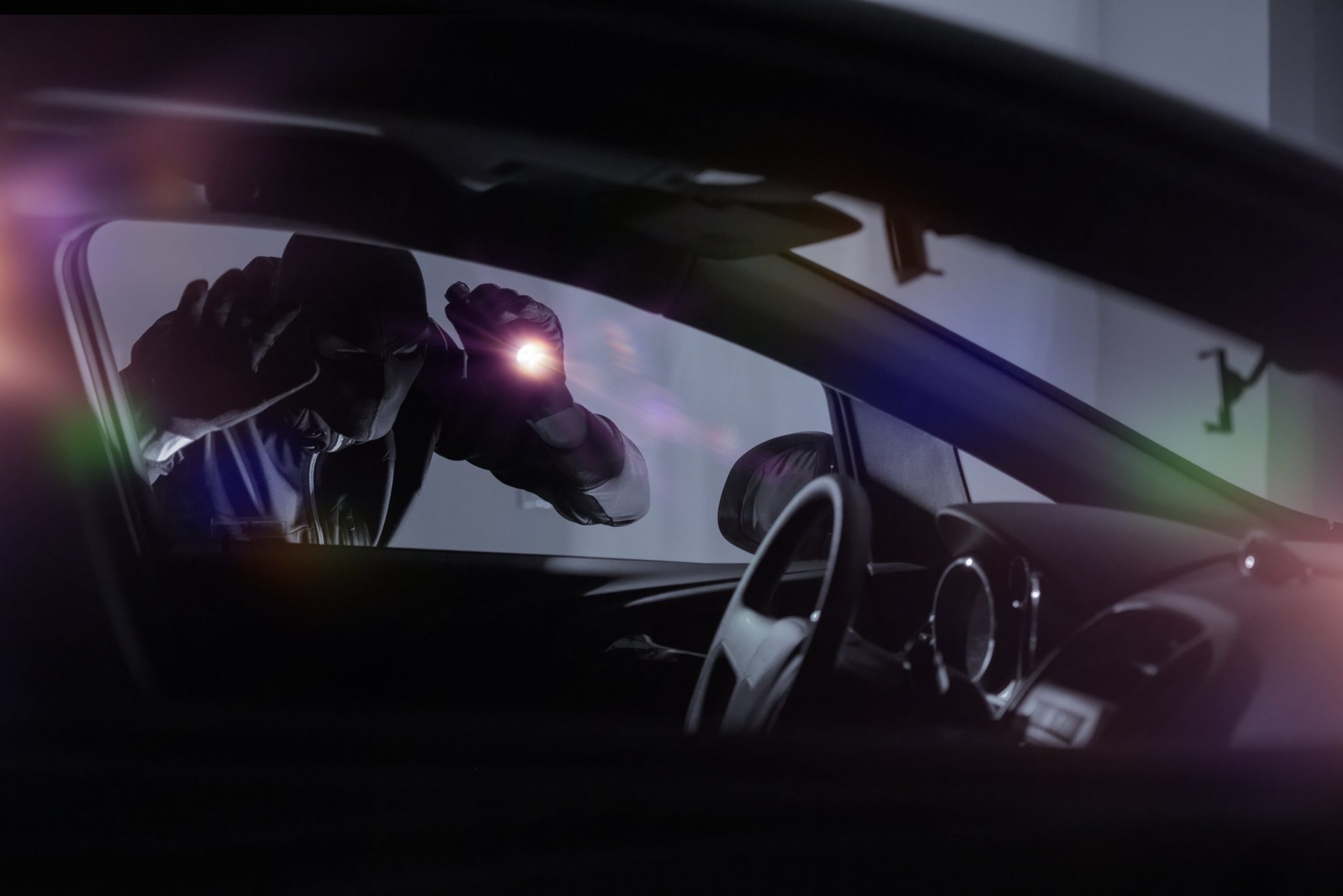
Parking Mode Surveillance Enabled
Navman parking mode is a feature on certain Navman dash cams that keeps your car protected even when it’s parked and the engine is off. Normally, a dash cam only records while you’re driving, but parking mode allows the camera to monitor your vehicle for incidents like hit-and-runs, break-ins, or bumps from another car or even a shopping cart. It’s like having a security camera for your parked car.
Here’s how it works: The dash cam uses motion and shock detection technology to sense movement in front of the camera (like someone walking by) or vibrations (like a bump or crash). When it detects something, it starts recording and saves the footage in a special folder on the microSD card so it won’t get overwritten. To use this feature, you need a the Navman hardwiring kit (usually sold separately), which hardwires the dash cam to your car’s battery. This ensures the camera has power without draining your battery too much, thanks to built-in voltage protection and timer settings that shut the camera off if the battery gets low.
Navman offer to marking modes for flexibility – Smart and Low Power Parking mode (a more battery-friendly alternate setting).
Frequently Asked Questions
How do I install a Navman dash cam in my car?
To enable parking mode, which allows recording when the car is off, you need a hardwire kit (included with models like the Dash View 30R or 50R). Hardwiring connects the dash cam to the vehicle’s fuse box, ideally with a low-voltage cut-off (e.g., 11.8V–12.2V) to prevent battery drain, which can usually be set up on your dash cam, just check with Navman and their instruction manual. We highly suggest professional installation by to ensure proper setup for maximal coverage, battery efficiency and stability.
Do I need professional installation for a Navman dash cam, and how much does it cost?
Professional installation is optional but recommended for hardwiring, especially for parking mode functionality, which requires a SmartBox-IV USB-C power hardwiring kit to connect to your car’s battery. DIY installation is straightforward for plug-and-play setups using the cigarette lighter, but hardwiring ensures features like parking mode work without draining your battery. Professional installation costs will vary and will often depend on your car size, type, number of dash cam channels and if additional accessories need to be installed as well.
What is required to enable Navman’s parking mode, and how do I set it up?
To enable Navman’s parking mode (available on models like MiVue™ ALTA, PRO 4K, and 4K DC), you need a SmartBox-IV hardwiring kit, sold separately). This kit connects the dash cam to your car’s battery, allowing it to record when the engine is off. After professional installation (recommended for hardwiring), activate parking mode via the dash cam’s settings menu. Choose between Smart Parking Mode (records on motion or impact detection) or Low Power Parking Mode (records only on impact for better battery conservation). Ensure the SmartBox is configured with voltage protection to prevent battery drain, typically shutting off if the battery drops below a safe level. For more details reach out to Navman to help configure the settings to your car model specifically.
What are the power requirements for a Navman dash cam, and will it drain my car’s battery?
Navman dash cams typically use a 5V/2A power adapter via a USB-C cable plugged into the cigarette lighter for driving mode. For parking mode, the SmartBox-IV hardwiring kit connects to the car’s battery and includes low-voltage cut-off to prevent draining, shutting off the dash cam if the battery voltage drops too low. Without the SmartBox, parking mode isn’t available, and prolonged use via the cigarette lighter could risk battery drain. A typical setup provides up to 12 hours of parking mode runtime, longer with motion detection settings. Always have the SmartBox installed by a professional like Schmicko to ensure proper configuration.
Navman Dashcam installation experts
Why Aussies Trust Us For Navman Dashcam Installs?
Schmicko’s reputation is built on trust, with a focus on quality installations tailored to Navman’s specific requirements, such as hardwiring for parking mode or ensuring clear 4K footage. Our mobile service, warranty, and customer-centric approach make us a preferred choice for everyday drivers, from family car owners to car fleets. By choosing Schmicko, Aussies avoid common pitfalls like messy wiring or battery issues, ensuring their Navman dash cam performs as expected for safety and peace of mind.
Warranty and Professional Standards:
Schmicko provides a warranty on all installations, giving peace of mind that the Navman dash cam setup, including hardwiring for parking mode, is secure and reliable. Our technicians install to avoid interference with car electronics, a critical factor for Navman’s SmartBox setups, which require connection to the car’s fuse box. This professionalism contrasts with DIY attempts that can lead to issues like battery drain or faulty wiring, as reported by some Navman users.
Mobile Installation for Convenience
Schmicko offers a mobile service, coming directly to customers’ locations across Sydney and Melbourne, seven days a week. This eliminates the need to visit a workshop, saving time for busy drivers, especially with our Express Service, dependent on availability.
Outstanding Customer Reputation
Schmicko boasts over 1000 combined 5-star Google reviews, reflecting our commitment to quality and customer satisfaction. Our clients, including regular drivers, truck operators, and fleet vehicle owners, who praise our reliable, high-quality installations. This reputation is particularly reassuring for Navman users seeking a service that matches the brand’s 50 years of engineering excellence. Schmicko’s warranty on installations further ensures peace of mind, guaranteeing that the setup won’t interfere with your vehicle’s systems.
High Customer Satisfaction
Schmicko boasts over 600 five-star reviews inclusive of our dash cam installation services, reflecting trust in our quality and reliability. Customers praise our attention to detail, such as ensuring the Navman dash cam is positioned for maximum road coverage and that features like GPS tagging and Wi-Fi connectivity (via the MiVue™ Pro app) work flawlessly post-installation.
BOOK Seamlessly in minutes
Your Navman, Fitted Securely
Book your Navman dash cam installation, today
